How do I set up the follow-up email?
Last updated: April 7, 2026
The Follow Up page lets you configure an email template and attach documents that are automatically sent to attendees after their lead is captured.
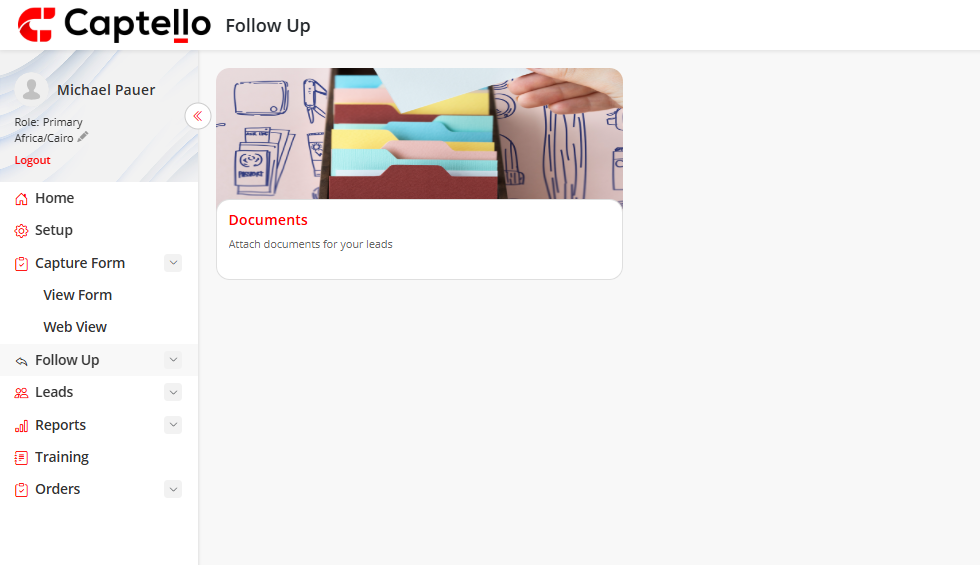
Go to the Follow Up page from the left sidebar.
Click the Email card to open and edit your follow-up email template (only if your event organizer has granted editing permission).
To attach documents, click the Documents card, then click + Add Document in the top-right corner.
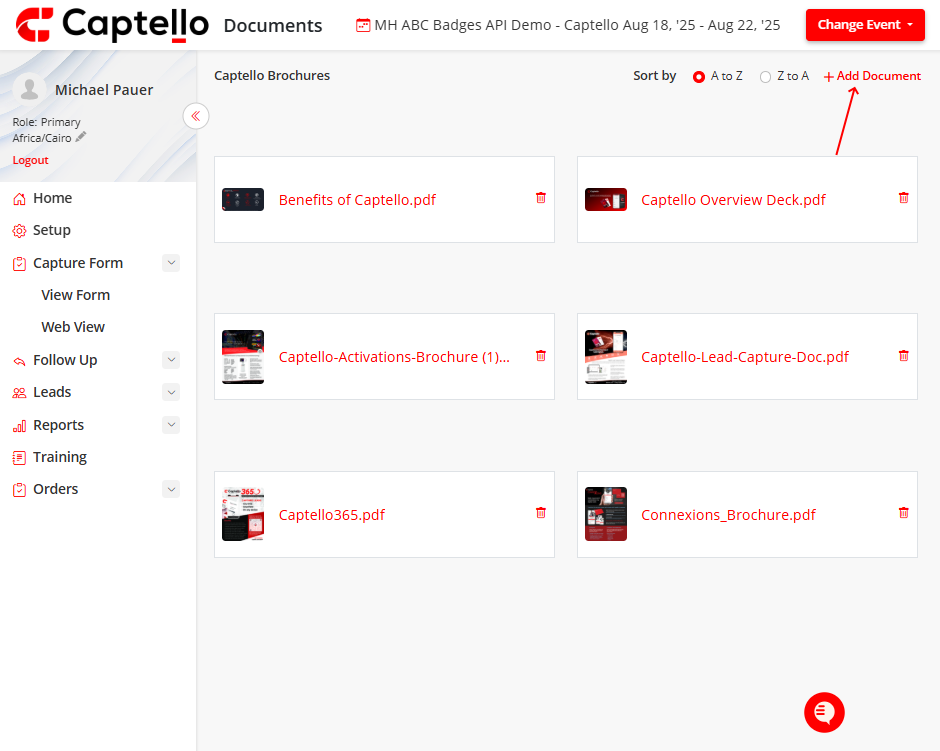
Once saved, booth staff can select documents during lead capture. They will be emailed automatically to the attendee after submission.
Note
Documents can be any file type. The maximum upload size per document is 20 MB. Editing the email template is only available on desktop.