How to Manually Edit Submissions
Last updated: January 1, 2026
If you need to edit submissions for any reason, such as updating data to re-sync to your CRM, or for simply updating prospect answers to form questions, this guide is for you!
To edit submissions, follow the steps below:
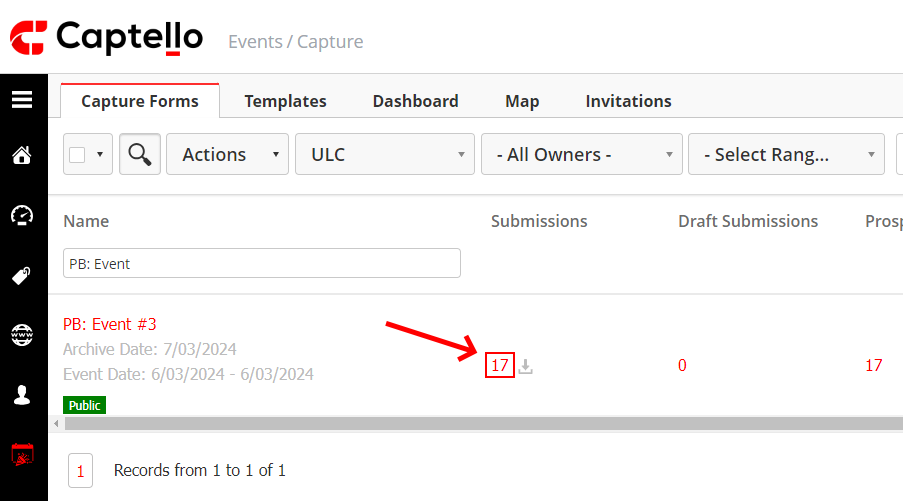
Click on the number of submissions for the desired event.
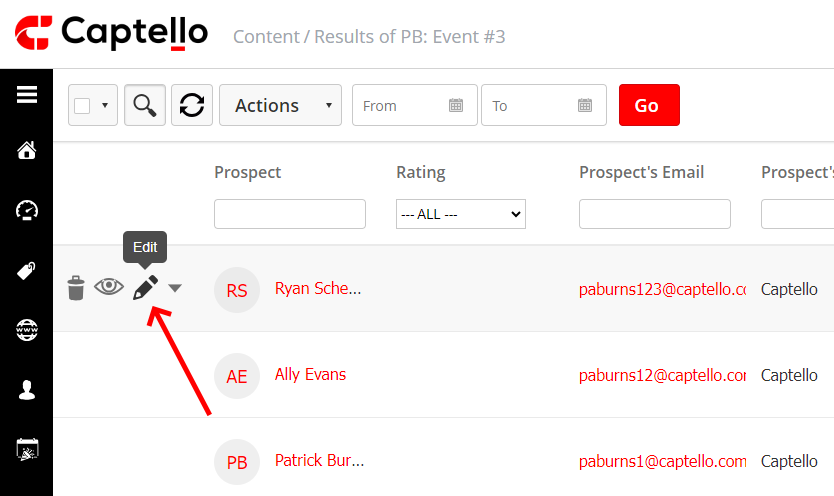
Upon hovering over a submission, an edit button appears. Click it to edit the submission.
The submission pops-up to the right side of the screen. Once finished editing, click 'Update'.
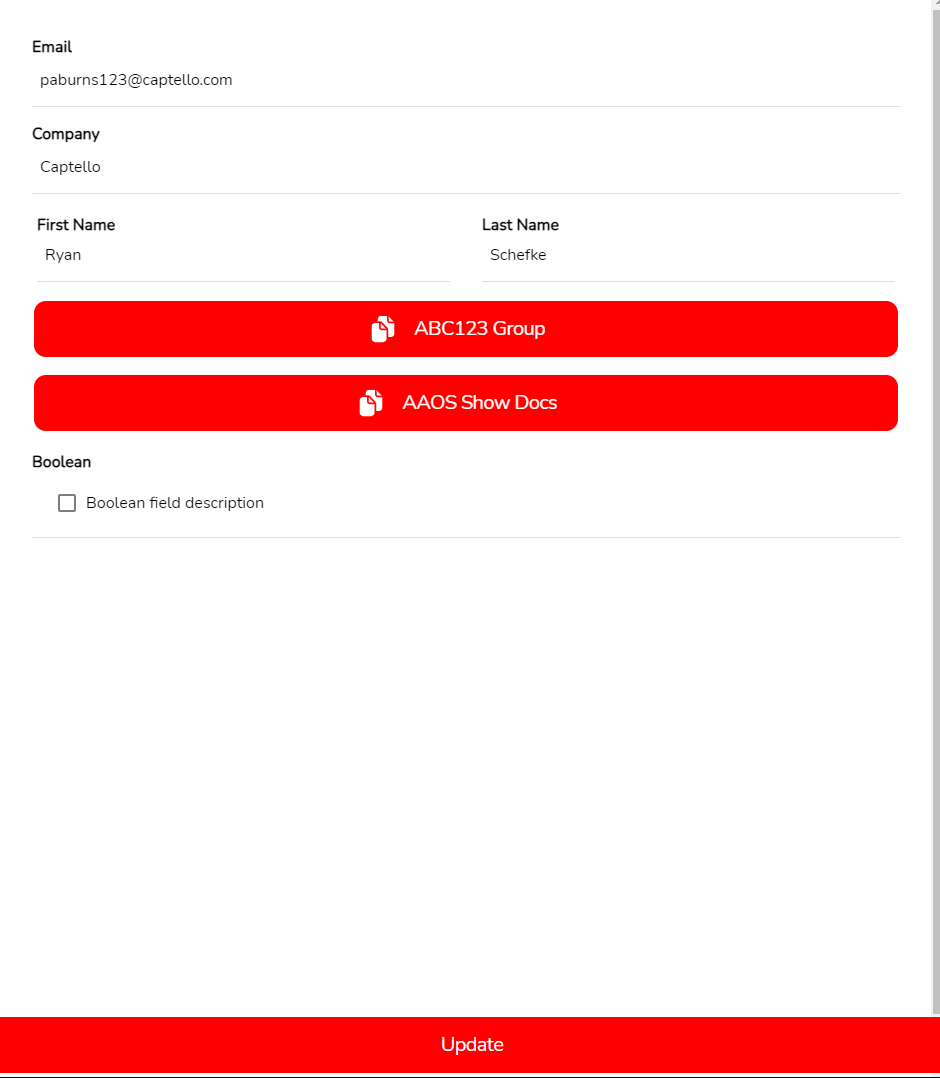
The submission (and the associated prospect profile) has now been updated!