Media Asset Guide for Scavenger Hunts / Zones / Progress Reports
Last updated: July 24, 2026
Overview
This guide goes through recommended aspect ratios for images used for attendee experience at events where scavenger hunts are used.
Recommended Aspect Ratios for Zones
The following zone is going to be used as an example: https://cpt.li/VMWJXR
Style Page
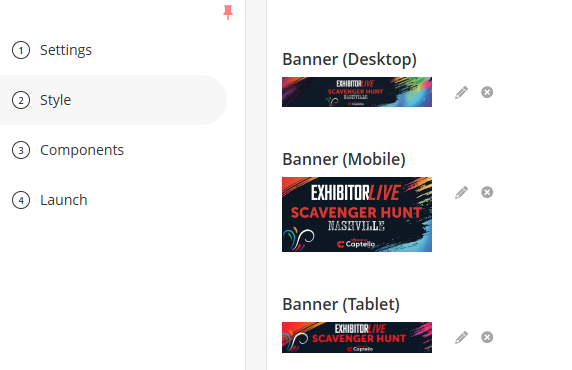
Banner (Desktop): 5:1 Aspect Ratio. (Example).
Banner (Tablet): 100:21 Aspect Ratio (Example).
Banner (Mobile): 2:1 Aspect Ratio (Example).
Other Important Styling Settings
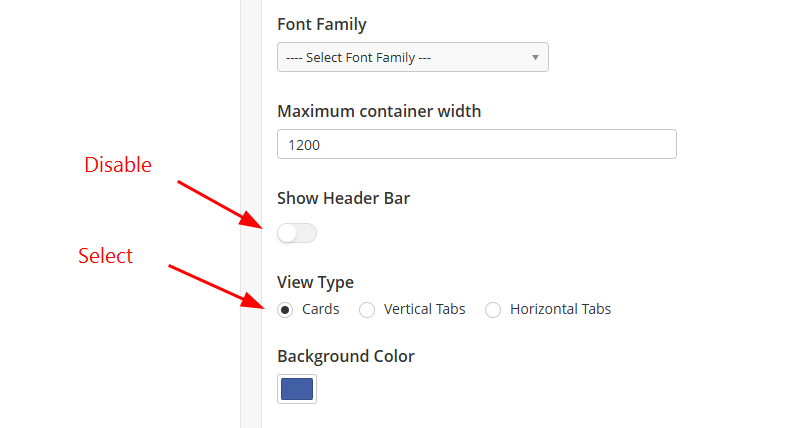
To achieve the same style of the example zone, disable the header bar and select Cards for a view type.
Components
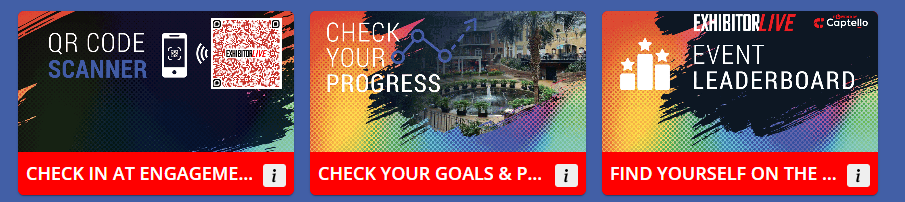
The components page allow you to add the scanner, progress report, activations, leaderboard and other pages/interactions.
Important Settings
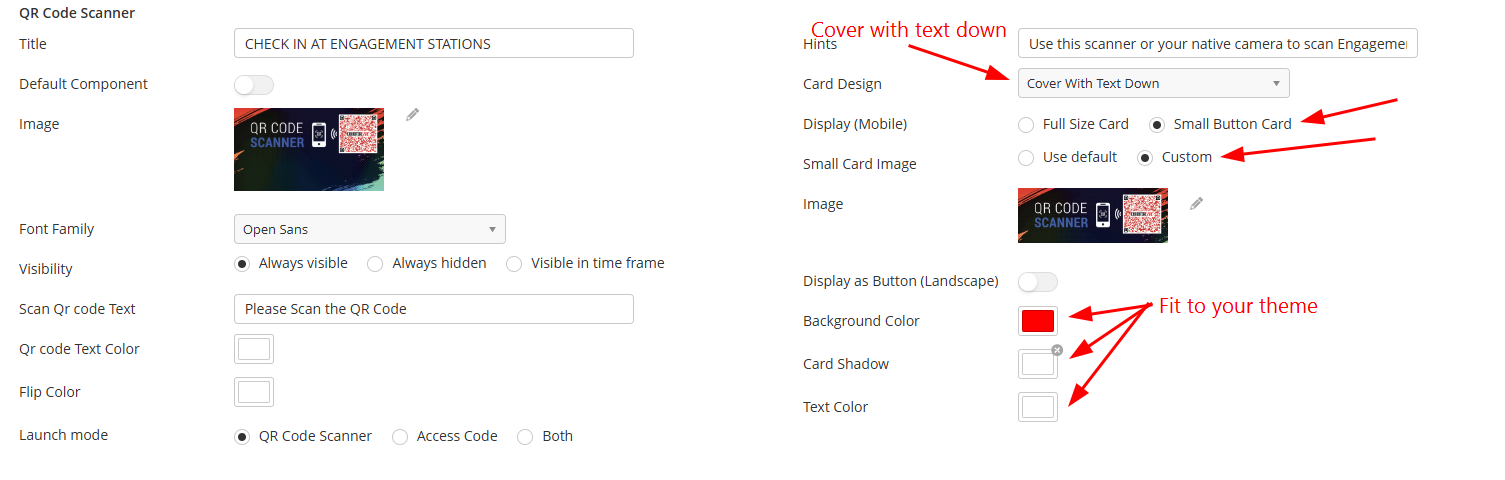
To achieve the same style of the example zone, select the following settings for each component.
Card Design: Cover with text down
Display Mode: Small Button Card
Small Card Image: Custom
Fit the colors to your theme.
Recommended Aspect Ratios for Images
Component's image: 2:1 Aspect Ratio (Example).
Small Card Image: 100:21 Aspect Ratio (Example).
Recommended Aspect Ratios for Progress Reports/Goals
Standard vs Advanced Templates
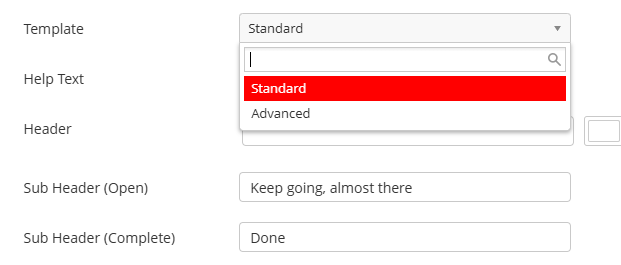
Standard Example
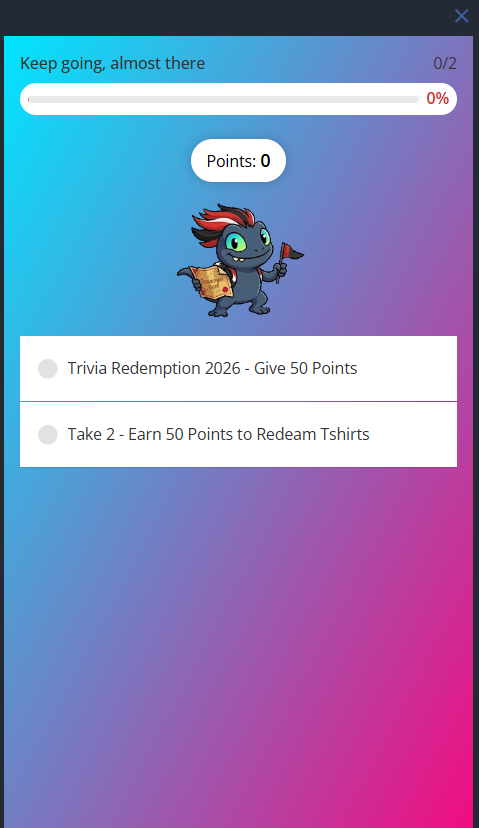
Advanced Example
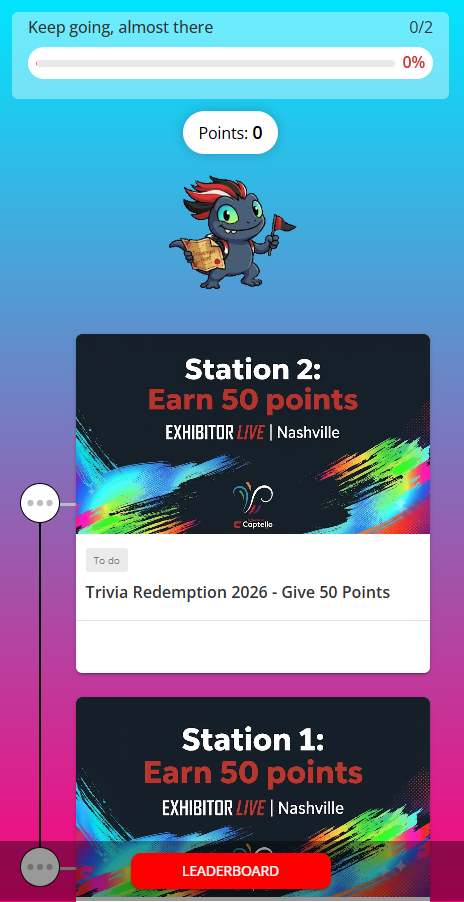
Advanced Recommendation:
The images shown for each activation is added on the Settings tab of each activation.
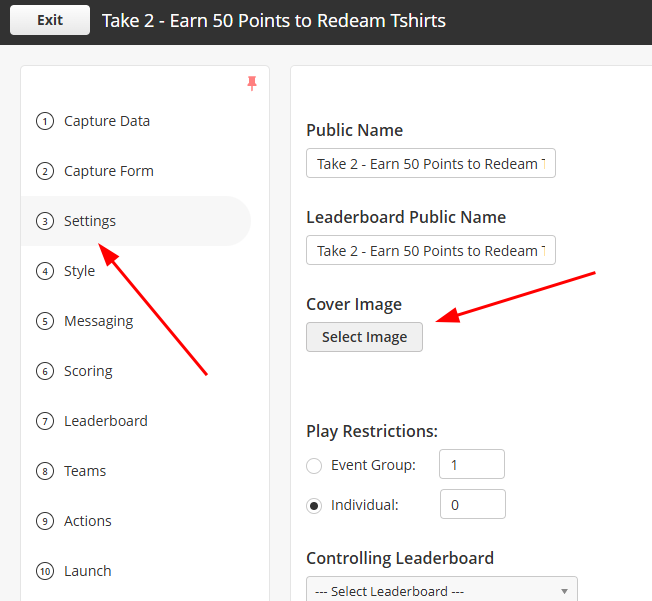
This option needs to be enabled for activation images to appear in progress reports in Advanced mode.
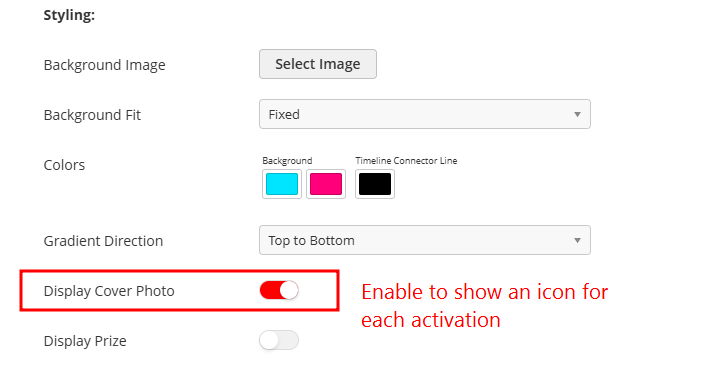
Recommendation: A 16:9, 640x360 image of each activation/waypoint.
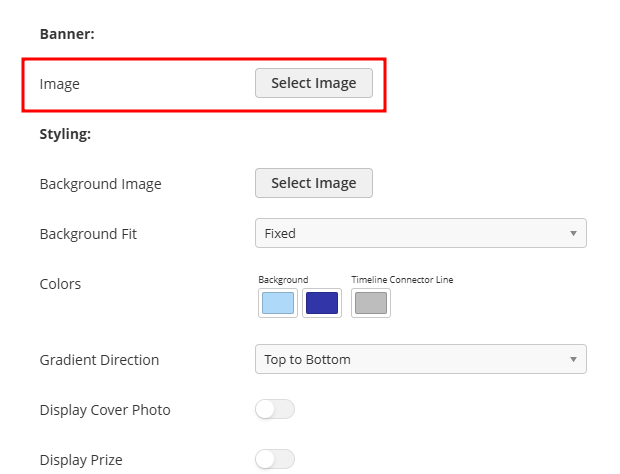
Banner
A square (1:1, 600x600) transparent image is recommended, such as a golden
cup or a mascott.
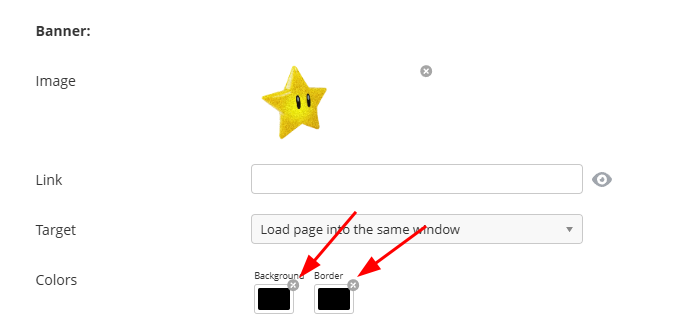
Known Issue: when editing a zone, the background color of a banner will be black, make sure to click the little 'x' icons to before saving. Apologies for the inconvenience.
Background
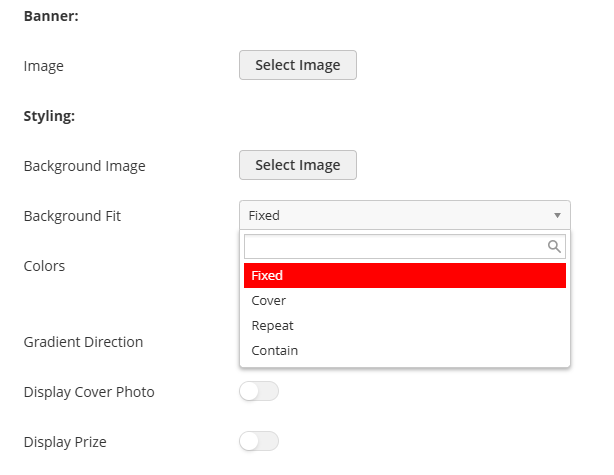
For background, 2 choices are available:
1- Background Image (Available only on the Advanced Template).
Recommendation: since attendees will most likely have multiple device types (some people will have phones and some people will have tablets), the following recommendation is a One-Size-Fits-All solution.
Background Fit: Cover
Image Resolution: 2560x1440 (16:9 aspect ratio)
If the background image has a shape/symbol, it's best to keep it in the middle of the image.
These settings ensure that he background will fit the most common monitor aspect ratios, the resolution is high enough that the image will not appear pixelated, even on a big monitor (as long as the image quality is high), and that the background will not get distorted by stretching/getting squished, instead, it will be cropped towards the middle to match different aspect ratios, keeping the shape/symbol shown on all screens.
2- Gradient Colors
A much simpler approach. Just select colors that fit your theme!
Other Activation Styling Settings
Check the following article for more activation settings: Setting up Background Images for Activations.