How do I Edit Submissions?
Last updated: January 1, 2026
You can edit submissions either from the web app or from the mobile app.
Web App
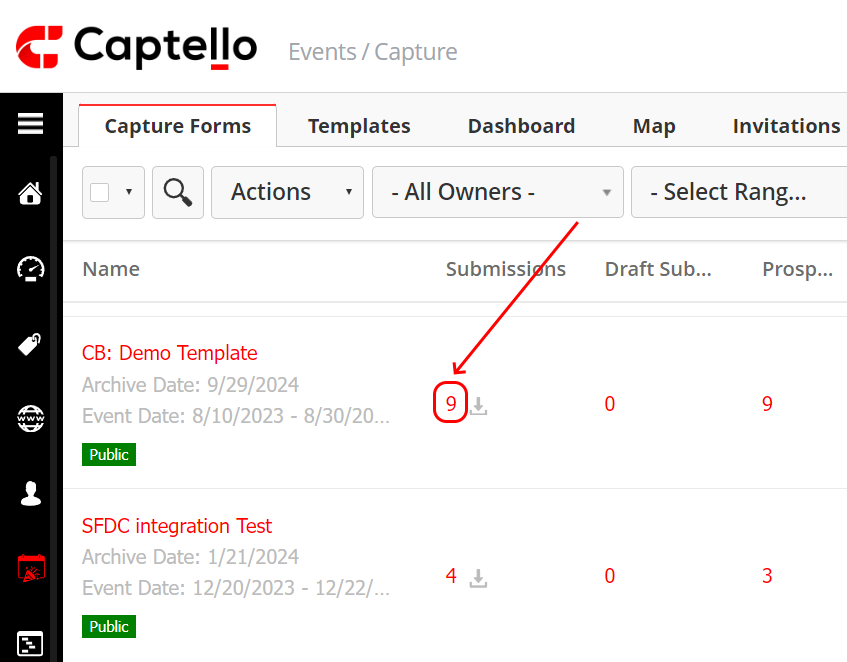
To edit submissions on the web app, click on the number of the submissions of the desired form as shown:
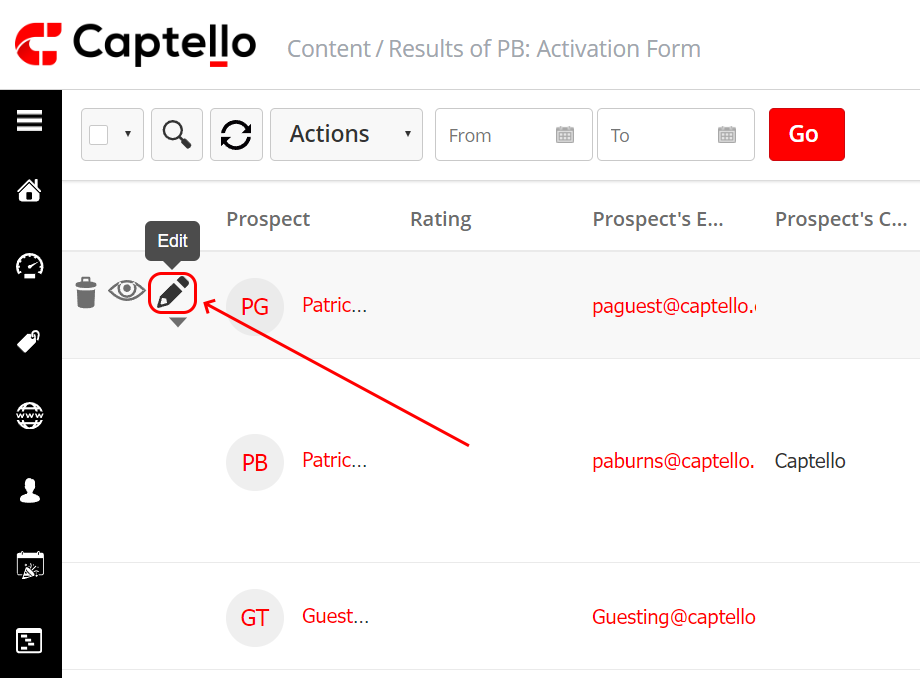
Then click on the Edit icon next to the intended submission.
Mobile App
Note: To edit submissions from the mobile app, permission is needed from the admin.
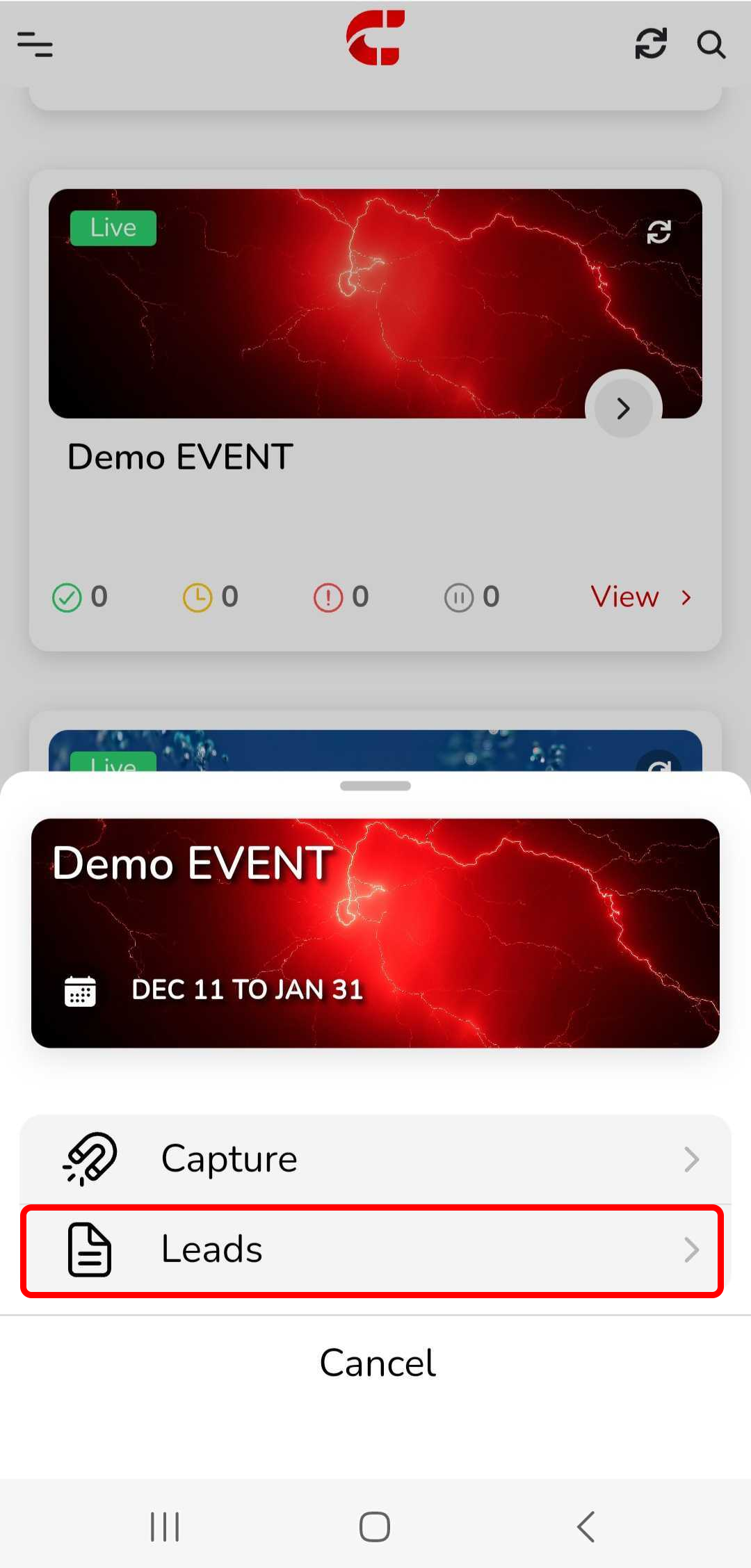
To edit submissions on the mobile app, click on the event and choose Leads
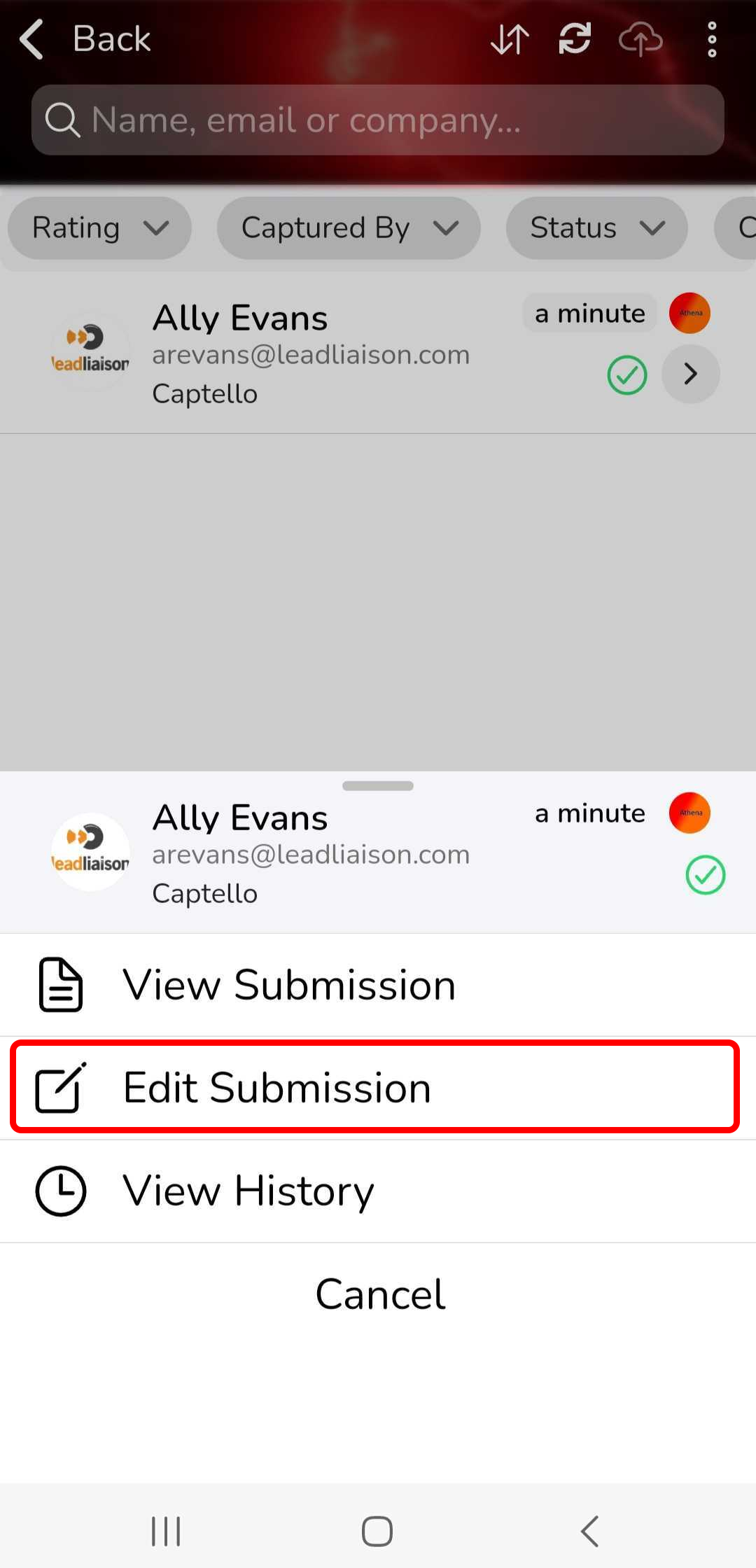
Click on the prospect that you would like to edit their submission, and then click on Edit Submission