Can I Send a Pre-Show Email to a List of Attendees?
Last updated: January 1, 2026
Note: Your license determines how many emails you can send each prospect. If you are also willing to send follow-up emails at the show, ensure your license includes at least two (2) emails per prospect.
You can upload a list of attendees and send them an email in two steps:
1) Upload your list
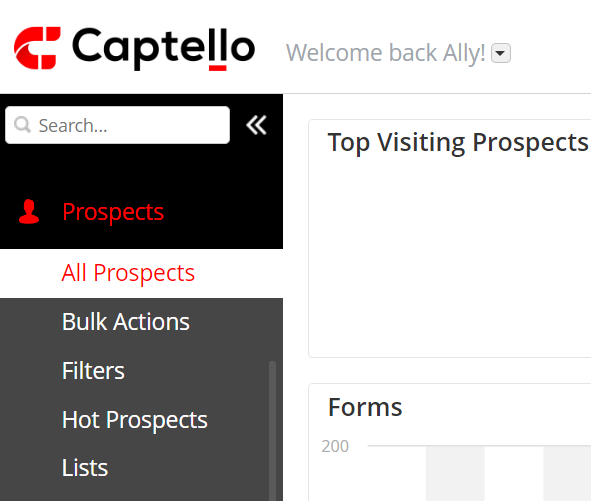
Navigate to Prospects > All prospects as shown:
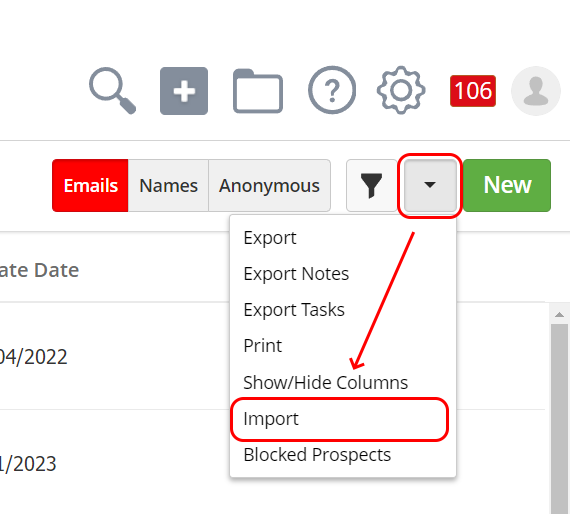
Click on the drop-down next to New, and click on Import.
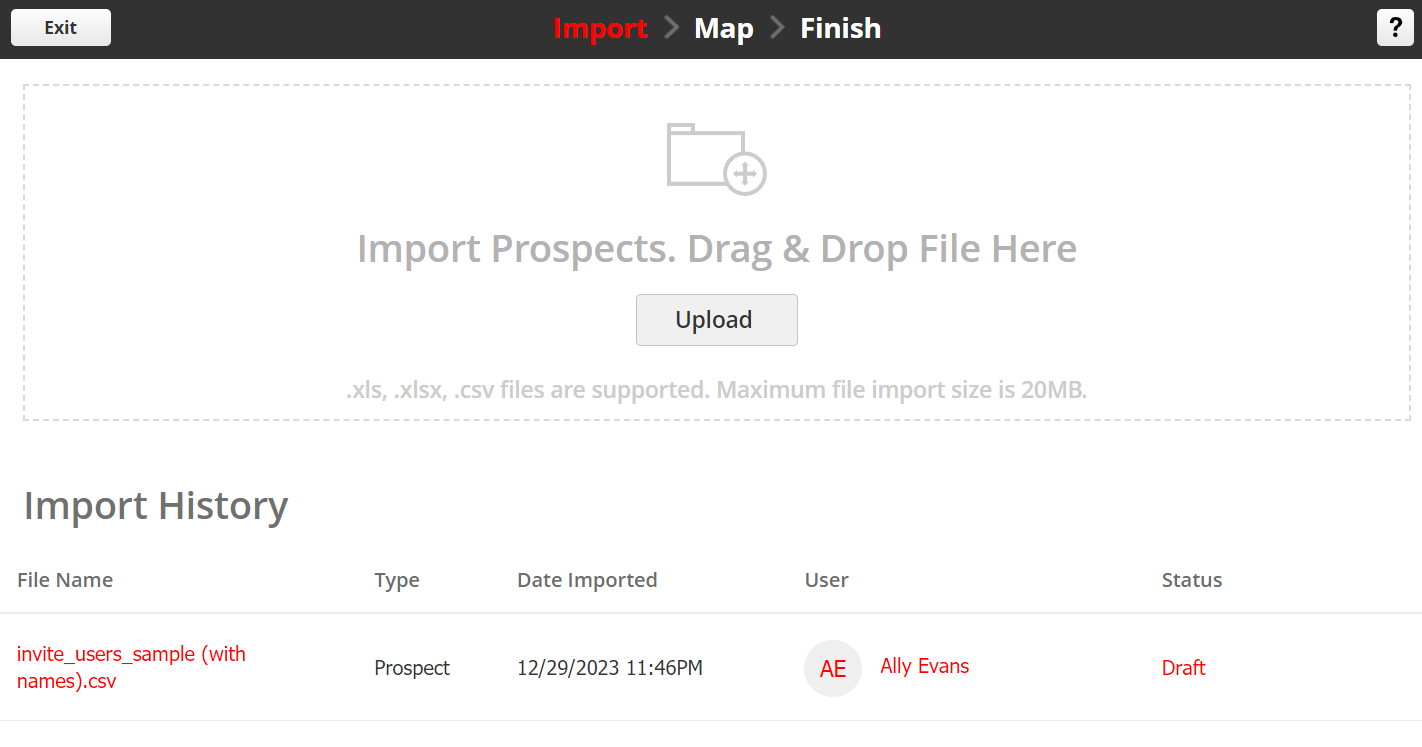
Click on Upload to import your list.
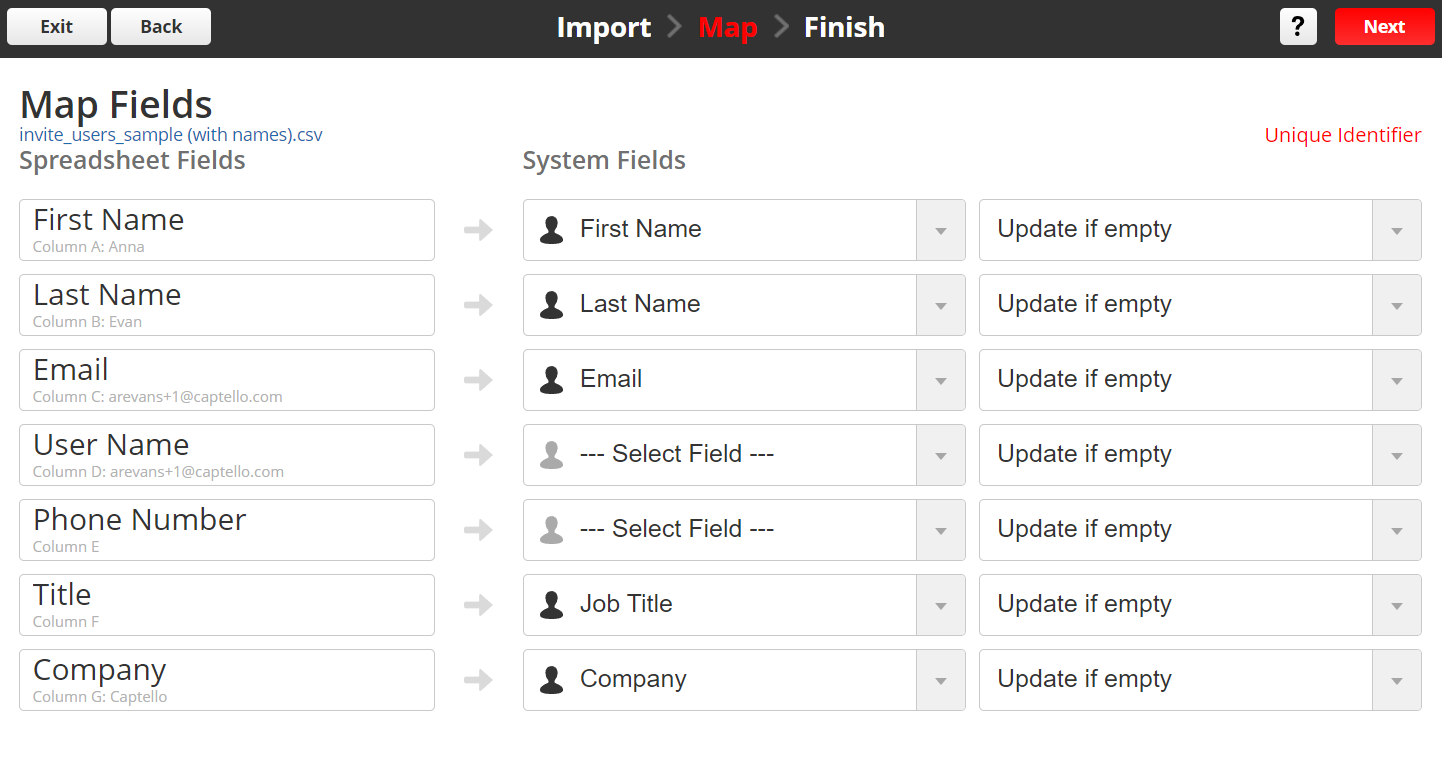
Map the prospect fields and then click Next
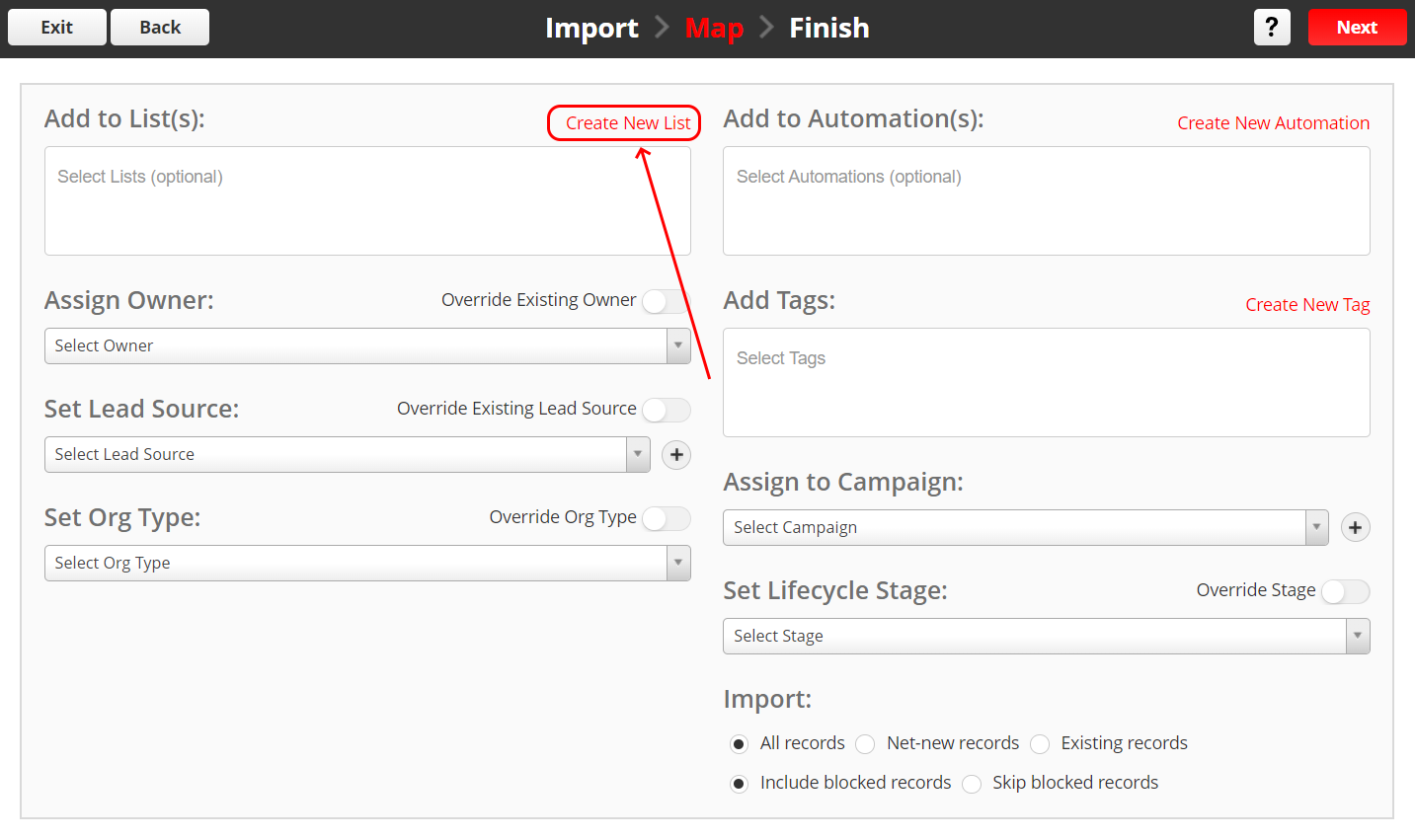
Click on Create New List to add them to a list, and then Click Next.
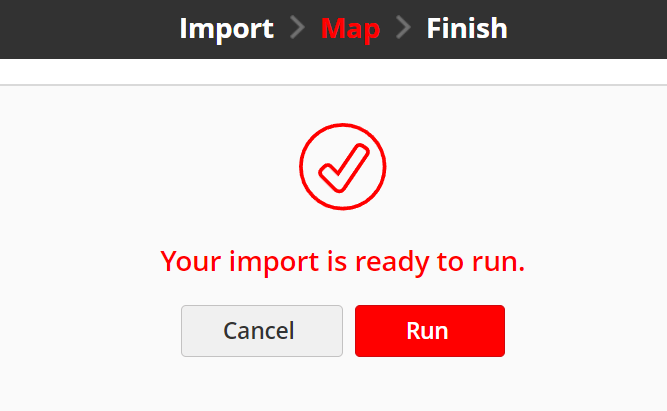
Once you are done, click Run.
2) Send email using a bulk action
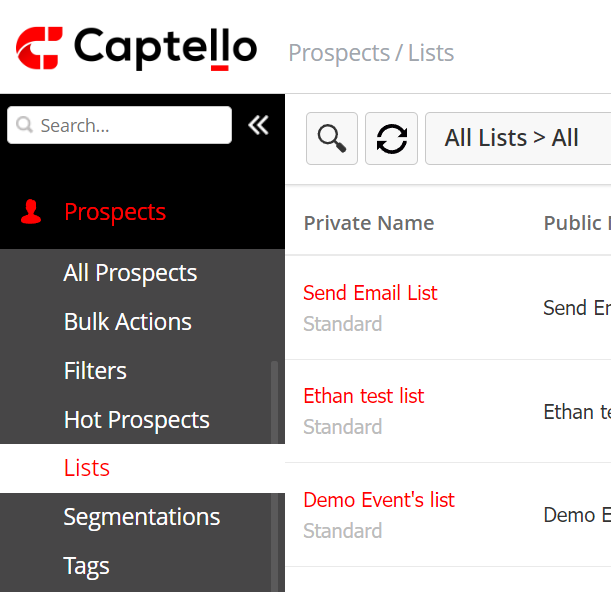
Navigate to Prospects > Lists and click on the name of the intended list.
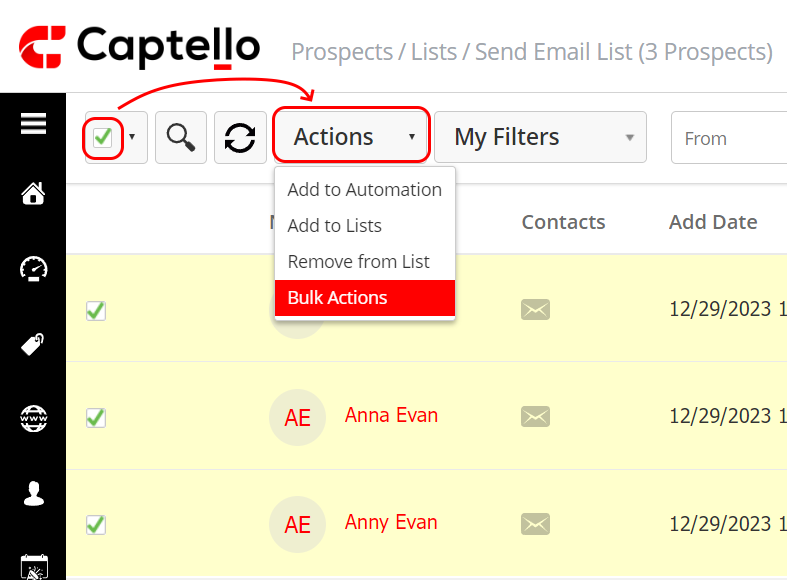
Click on the checkbox on the top left of the screen, and then click on Actions > Bulk Actions.
Choose a name for the bulk action, click Save, then choose the Send email action, and choose the intended email. Once you are done, click Next and then Activate.