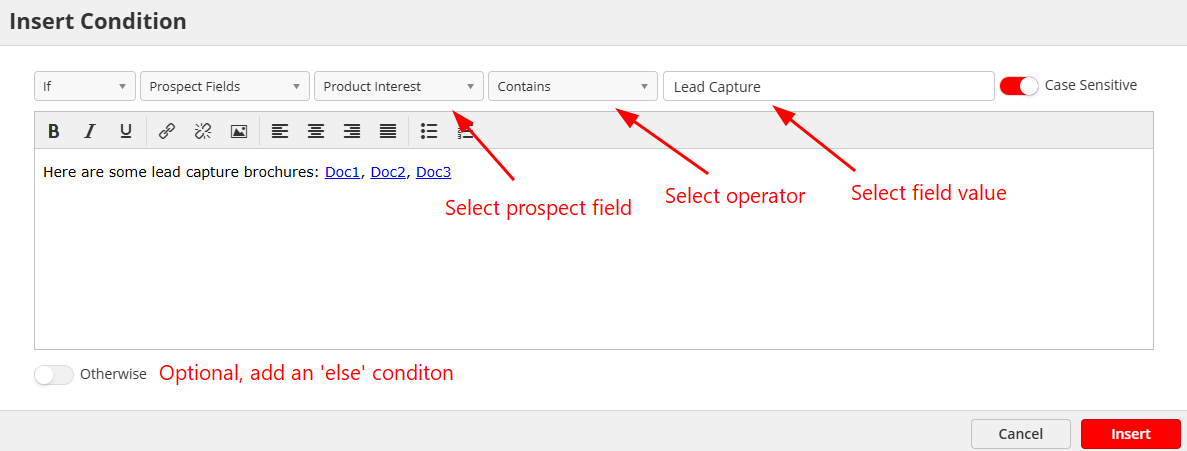
How to display dynamic content in emails based on form fields (lead data) - How to add conditions to an email
Last updated: September 13, 2026
Navigate to your emails (Home > Content > Emails).
Create or edit an email.
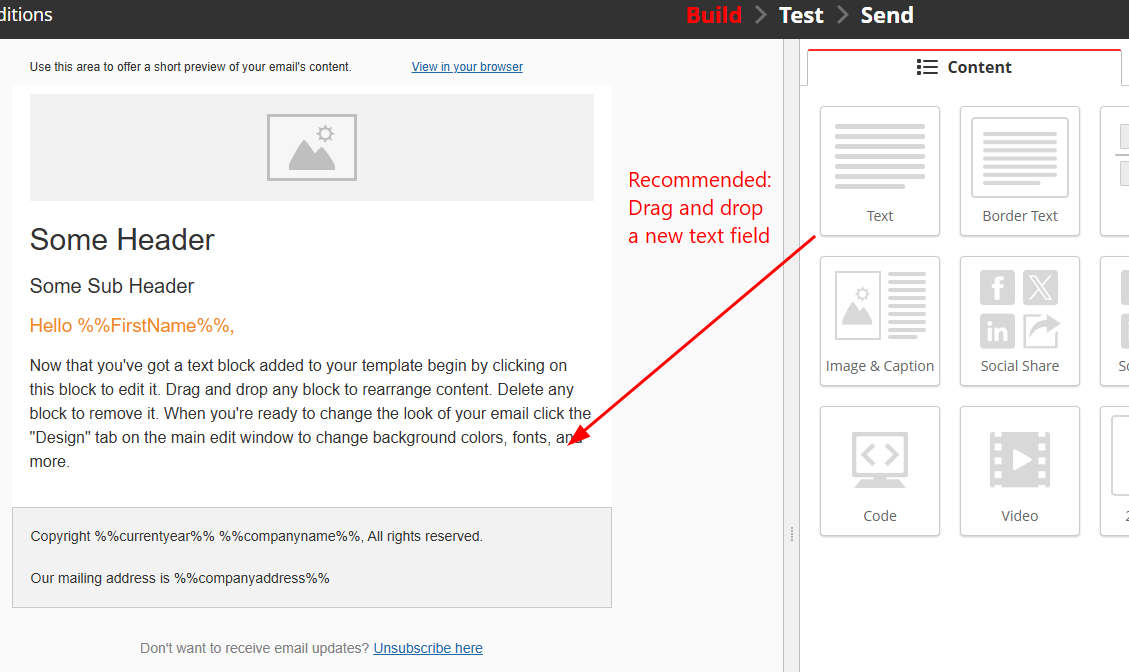
[Recommended] Add a new text field to your email.
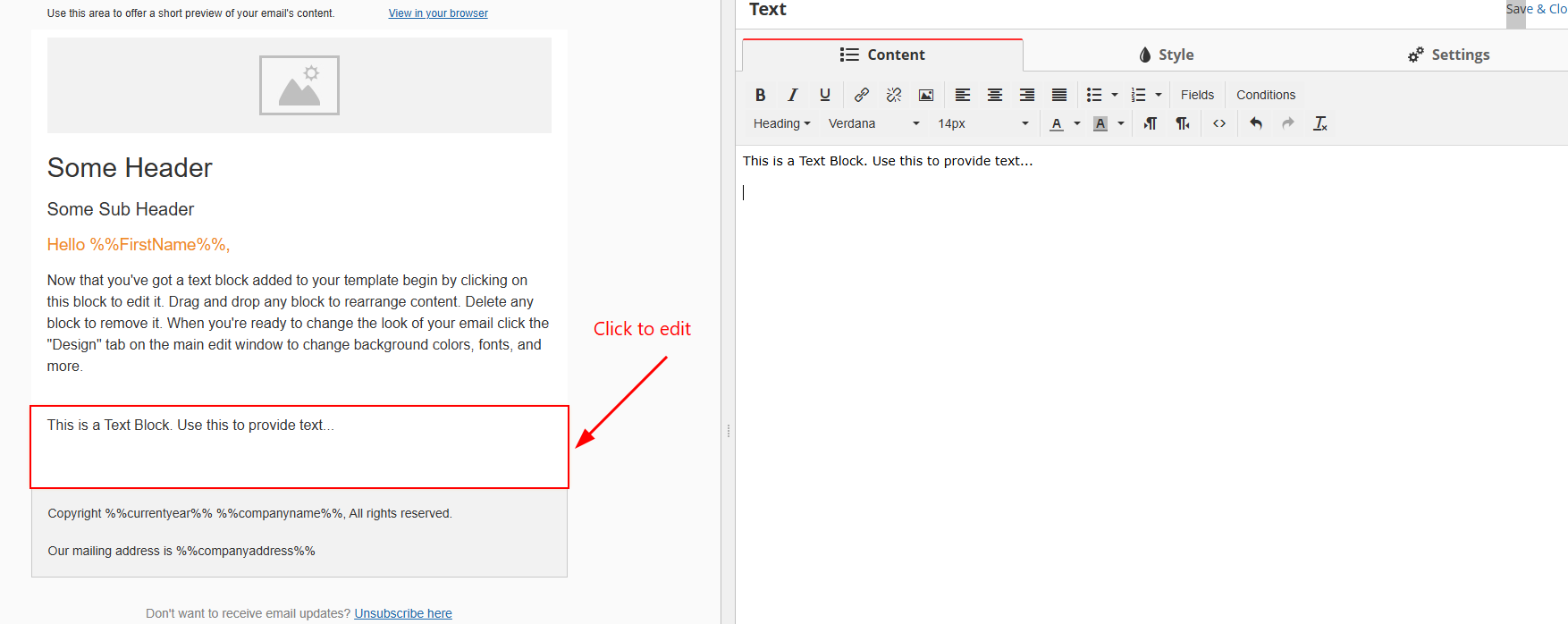
Click your text field to edit it.
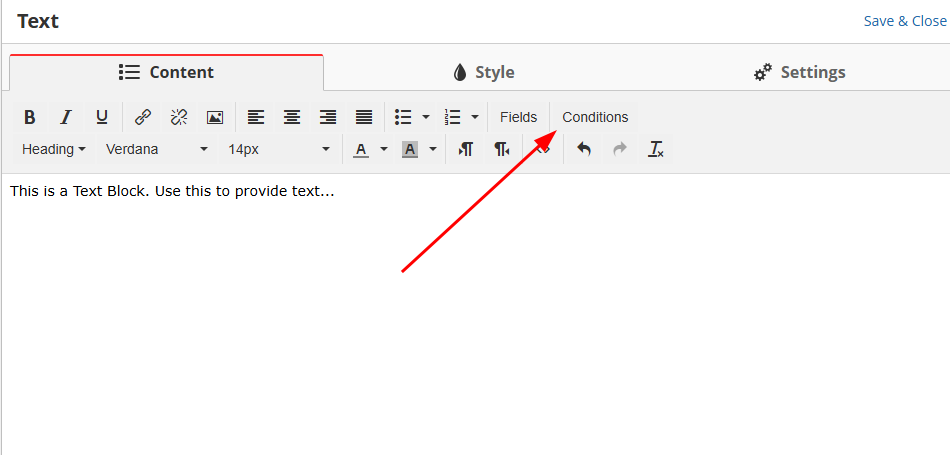
Click on 'Conditions' to add a condition.
Add your conditions along with what would appear if the condition is met.
The added content will not appear if the condition is not met.