Where can I export leads after the event from my portal?
Last updated: January 1, 2026
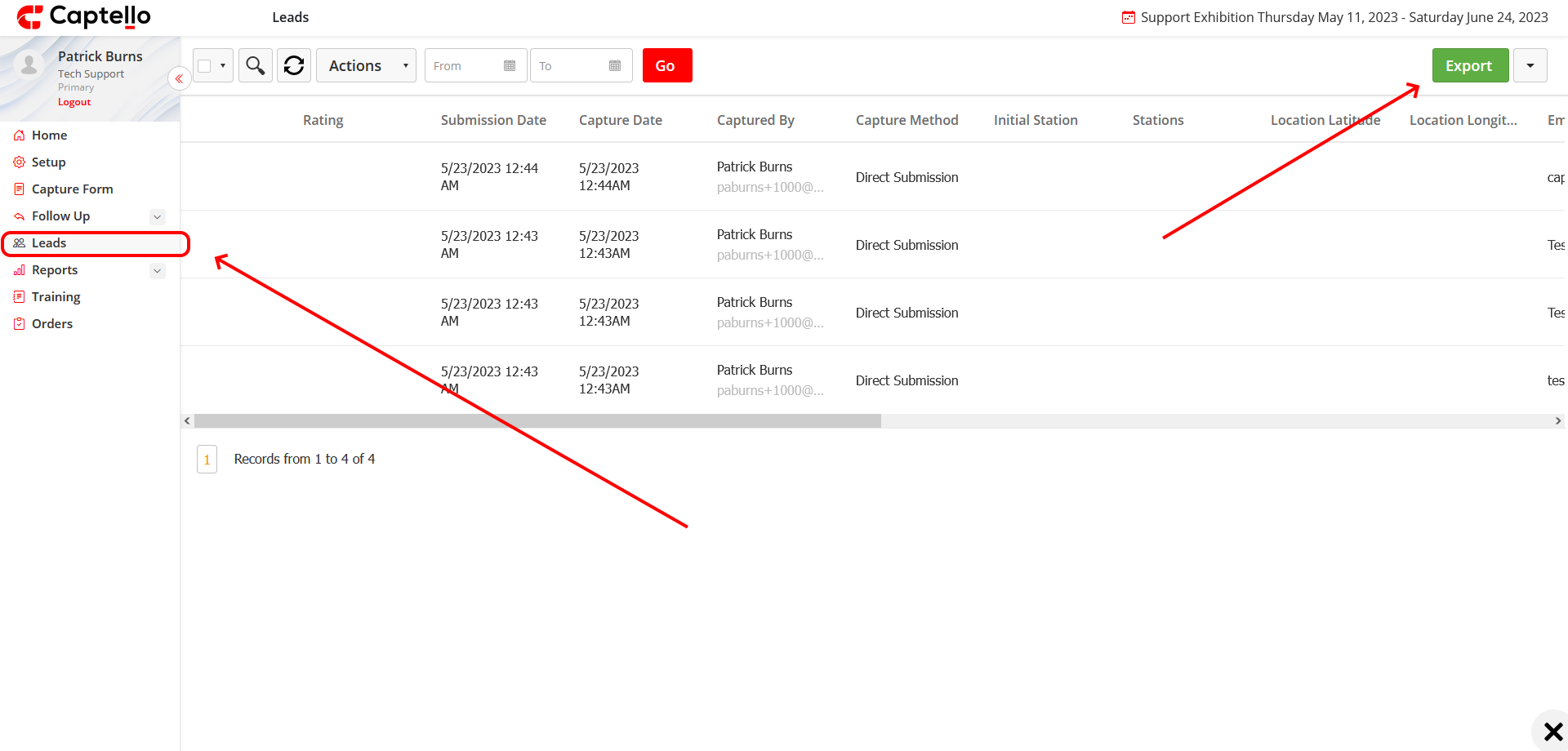
You can export leads by logging into your portal with your username and password via your PC or Laptop and then go to 'Leads' and click on the 'Export' button.
Please note that only the Primary user and the user with Admin permission can export leads.