I Cannot Log in to The Mobile App.
Last updated: January 1, 2026
1) Make sure that you are on the latest Captello version.
2) Make sure to set the Environment to North America (unless stated by your Captello representative that your account is on the Europe environment).
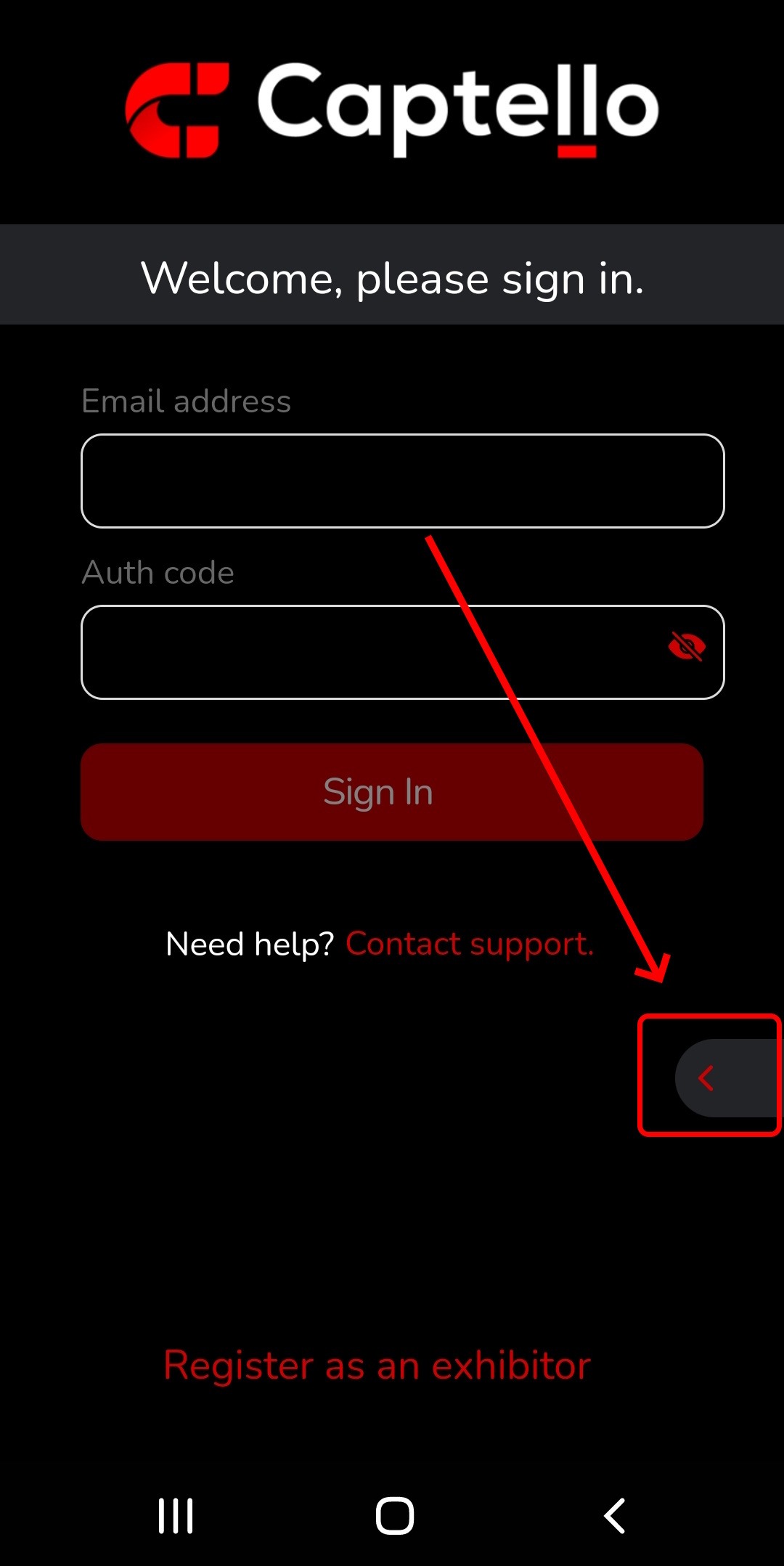
3) To avoid misspelling, make sure to copy and paste your email and authentication code.
If you still can not log into the mobile app, please clear the app data from the app settings on Android, or uninstall and reinstall the app on iOS.