Do I have to sign in to open a new request?
Last updated: January 1, 2026
Not at all. You can always open a new request by emailing support@leadliaison.com or by clicking Submit Request in the top-right corner.
However, if you sign in, you will also get access to the Lead Liaison FAQ. This FAQ contains answers to our most commonly-asked support questions. Need help resetting a password? It's right there in the FAQ!
Click Sign In in the top-right corner of the screen. You can sign in using any Google acccount or a Lead Liaison Support account.
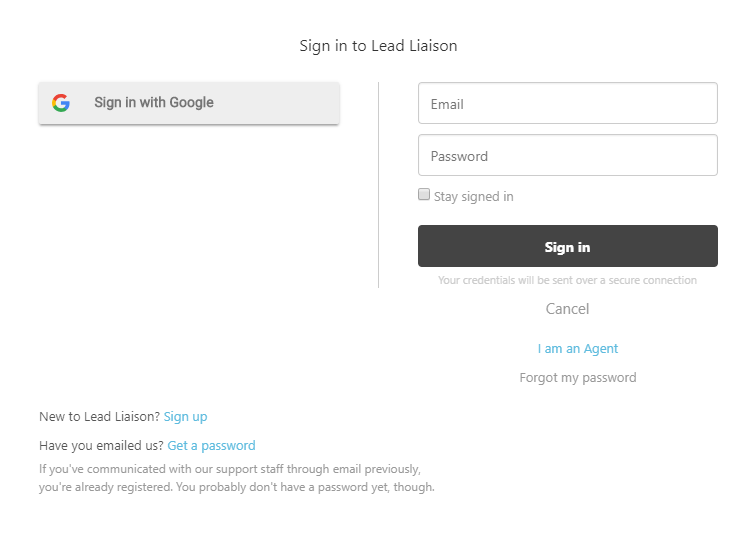
If you need to create a new Lead Liaison Support account, simply click Sign up in the lower-left corner.