Can I Invite/Create Multiple Users at Once from a Spreadsheet?
Last updated: January 1, 2026
Yes, you can! You can also allow them access to the web app.
To add the new users to the account, follow the steps below:
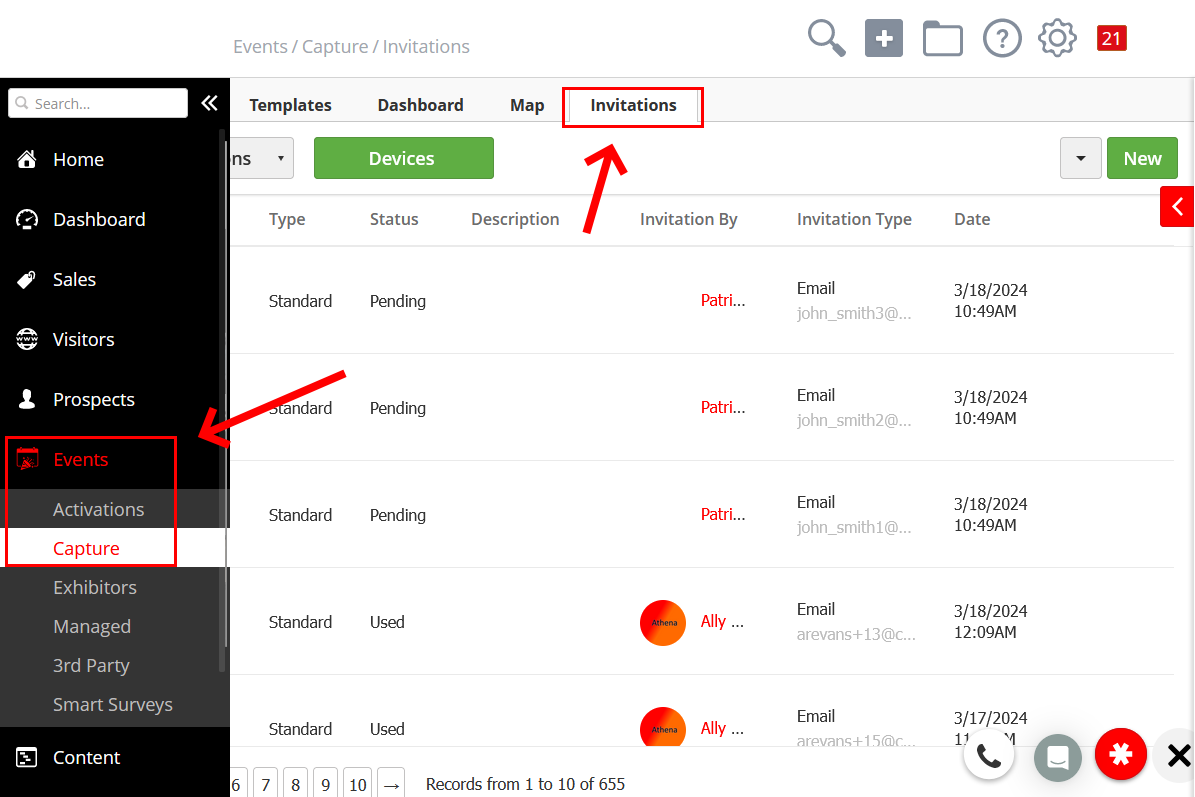
Navigate to Events > Capture > Invitations.
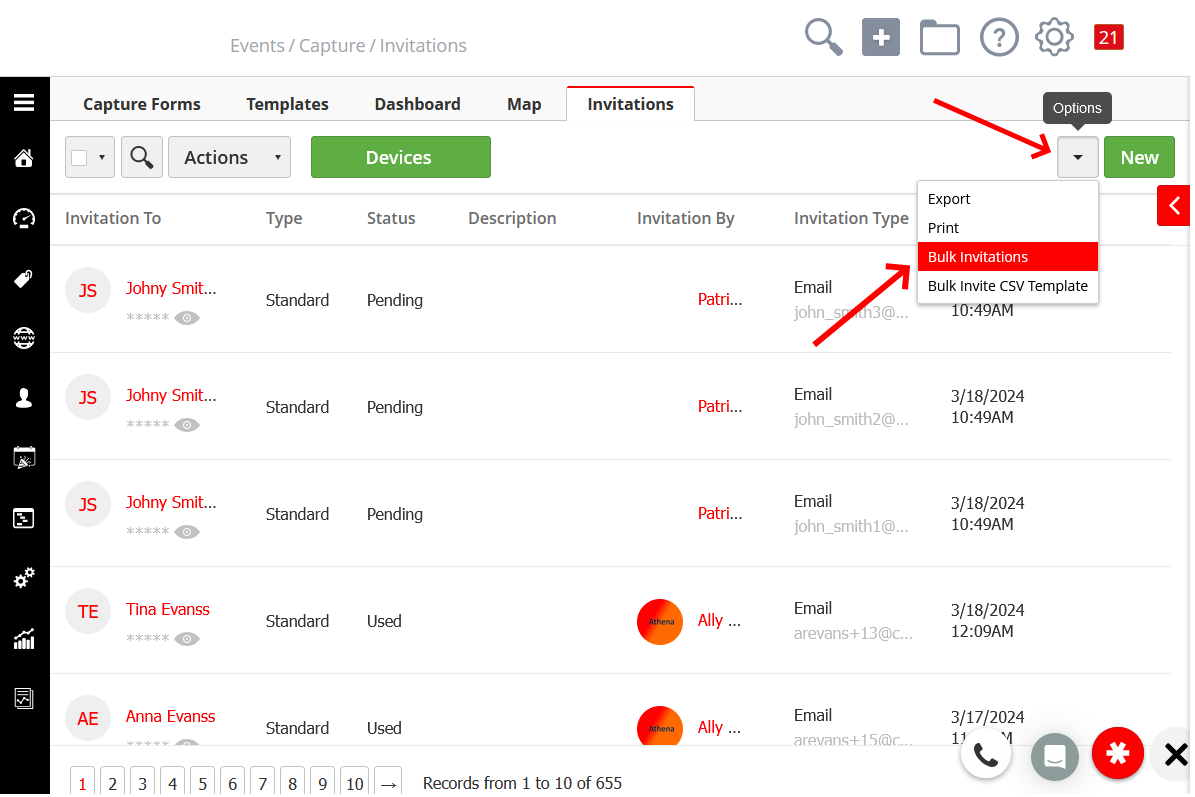
From the dropdown button on the top right, click on Bulk Invitations.
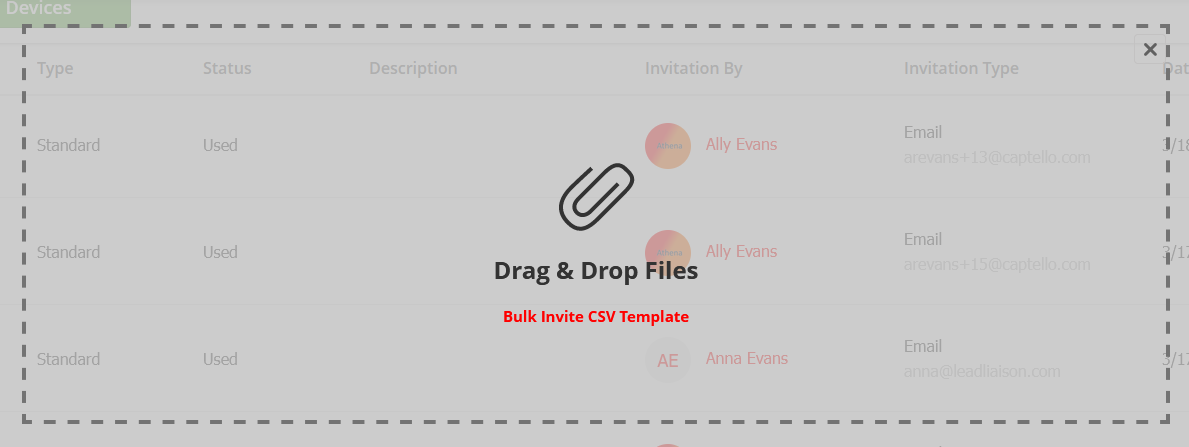
Upload a CSV file with the columns firstName, lastName, email, and phone (optional). If you need a CSV template, click on Bulk Invite CSV Template to download it.
You will have the options to assign them to events and allow them web app access.
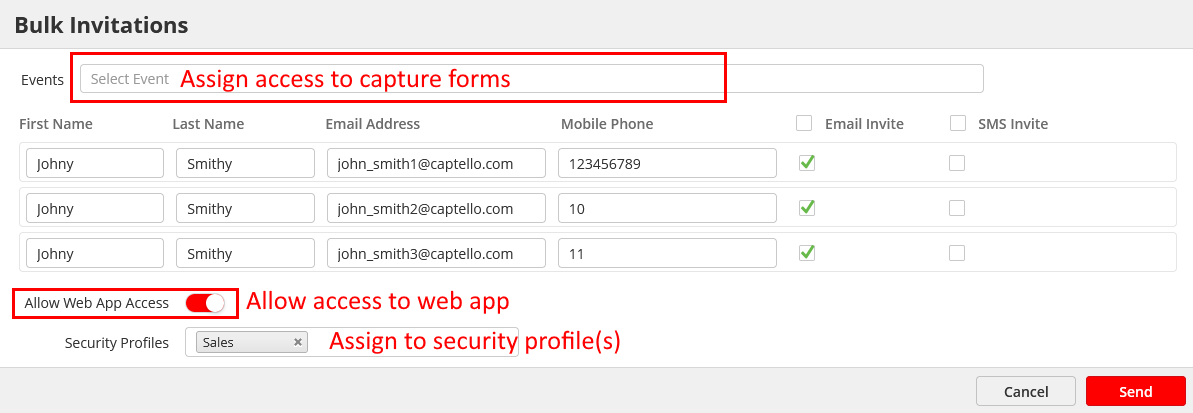
Click Send.