How can I Create a Bulk Action?
Last updated: March 23, 2026
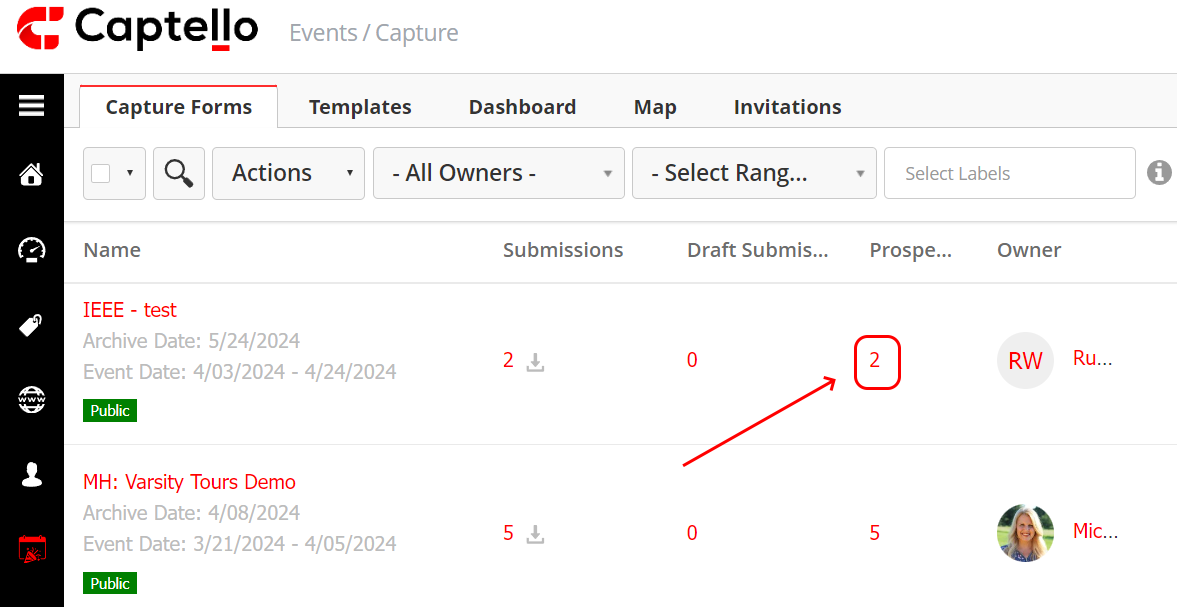
You can create a bulk action by going to the number below prospects as shown:
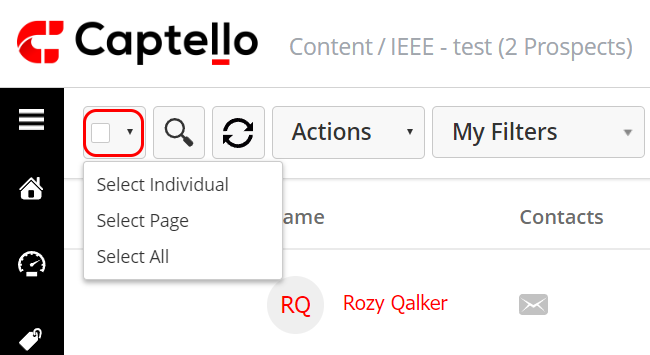
Click on the check box to select all or the dropdown to select the individuals you would like to create a bulk action for:
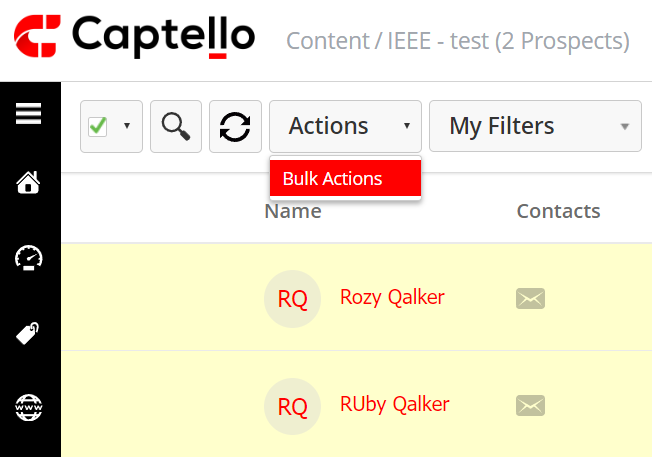
Then click on Actions > Bulk Actions.
Choose a name for the bulk action, click Save, and then choose the intended action from the Select Action drop-down as shown:

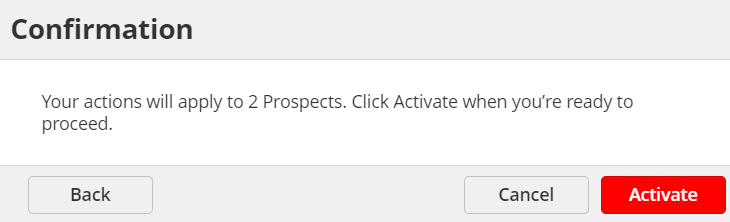
Once you have chosen the intended action, Click Next and confirm your choice by clicking Activate as shown: