[Email Marketing] How do I Check if My Email Sender Domain is Verified?
Last updated: January 1, 2026
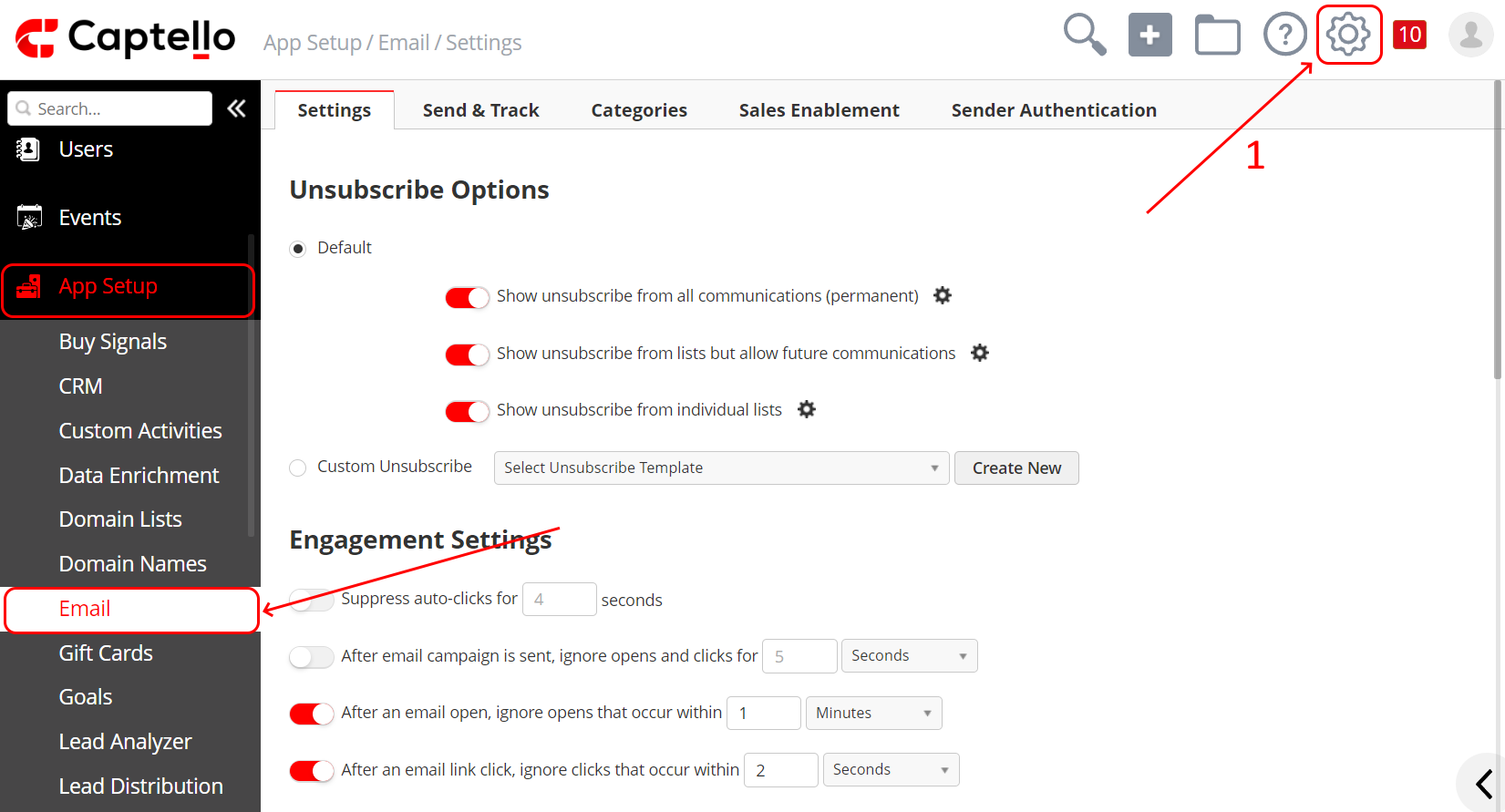
Go to Setup > App Setup > Emails > Sender Authentication
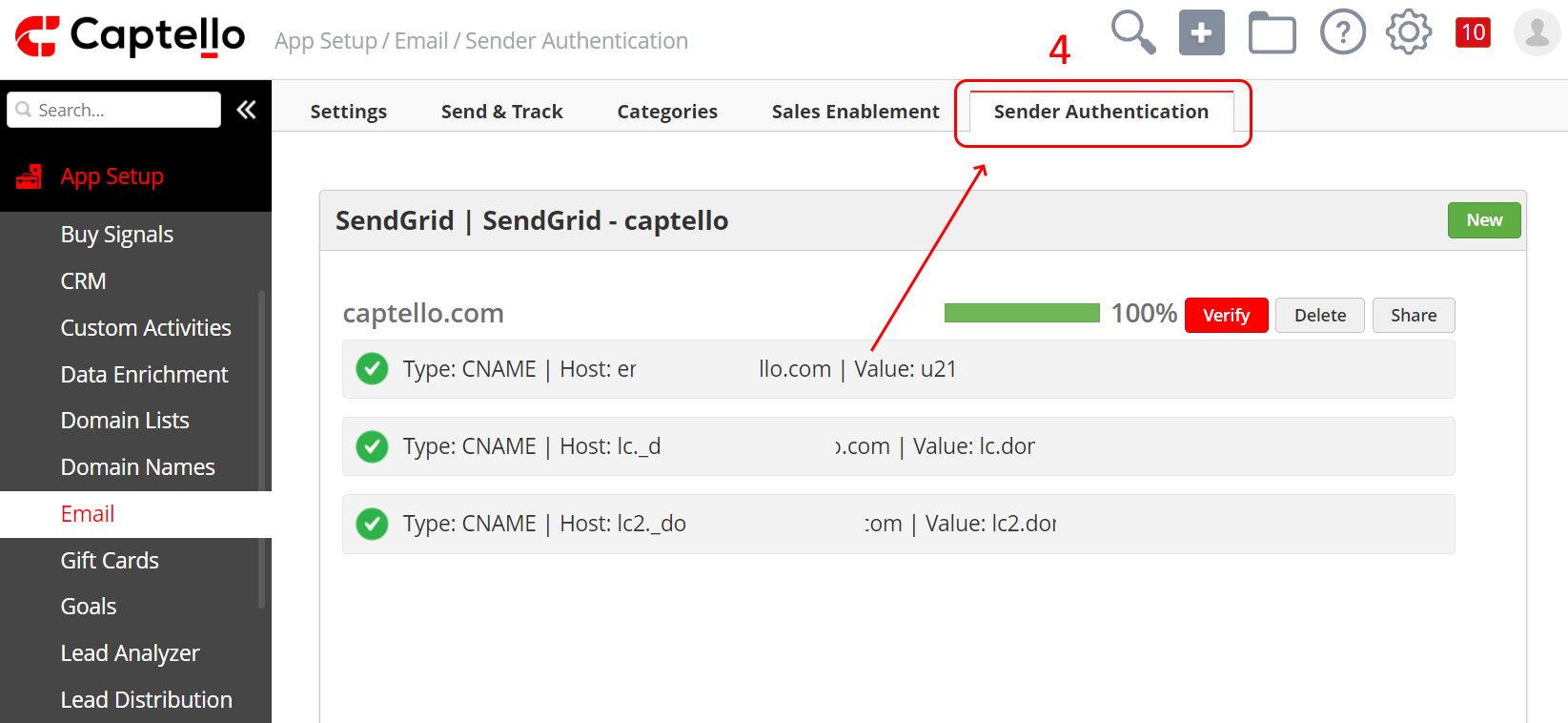
You should be able to see the name of your domain and 100% displayed to its right

If the percentage displayed is 0% as shown below, then the domain needs to be verified.

If the percentage is at a certain percentage as shown below, then one of the three CNames on both your side and on Captello's side is not the same.

You can see an error message by clicking on the Verify button as shown:
