Connecting with Captured Leads on LinkedIn
Last updated: January 1, 2026
Connecting With Leads on LinkedIn
The ‘Connect on LinkedIn’ feature lets you directly launch LinkedIn within the Captello app and search for the lead with one tap.
Note: Using ‘Connect on LinkedIn’ requires the following security profile permissions:
Mobile App - Connect on Linkedln
Mobile App - View own submissions OR ‘Mobile App - View other’s submissions’, since using the feature requires the user to see submissions.
To connect to a lead’s LinkedIn, follow the steps below:
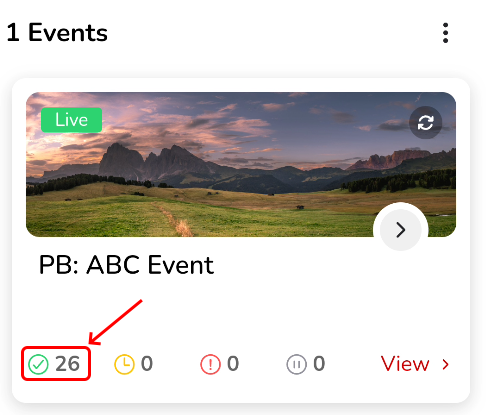
Navigate to successful submissions.
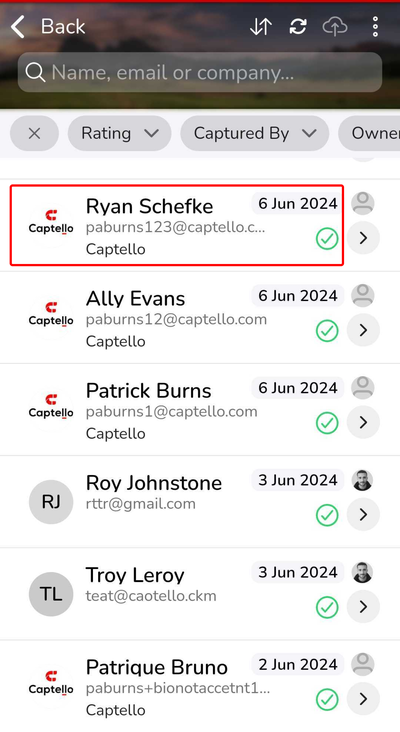
Tap a submission
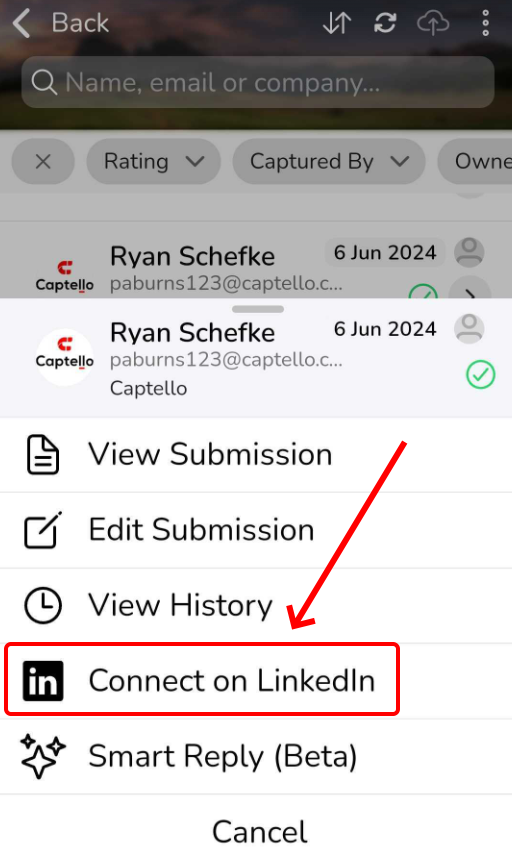
Click on ‘Connect on LinkedIn’
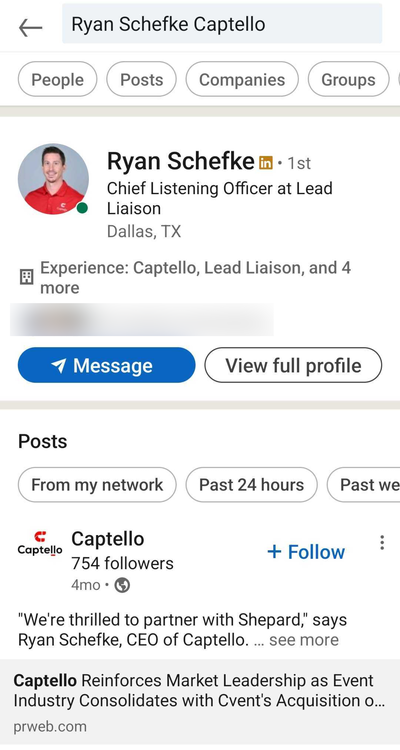
LinkedIn will be launched inside the Captello app, searching for the prospect’s full name followed by their Company’s name.